
The 12 Best Software for Lead Generation: A Founder's Guide
Discover the 12 best software for lead generation in 2026. A founder-to-founder guide to tools for Twitter outreach, automation, and scaling your SaaS.

As a founder, you know that a steady stream of leads solves a lot of problems. But the real challenge isn't just getting leads; it's building a predictable system to generate them without burning yourself out. The market is flooded with tools, each promising the world. How do you cut through the noise and find the best software for lead generation that actually works for a growing SaaS?
I’ve been there—testing, tweaking, and spending way too much time on manual outreach. This guide is the shortcut I wish I had. We’re going to break down the essential tools, not just by features, but by the specific job they do for you. We'll cover everything from automating outreach on Twitter to building your inbound engine and enriching contact data.
This isn't just another generic list. It's a founder-to-founder breakdown of the tech stack that helps you scale SaaS distribution efficiently. Each recommendation includes direct links, screenshots, and clear use cases to help you decide. For a broader comparison of solutions, exploring the Top Marketing Automation Platforms for B2B SaaS can offer additional insights. Let's get into the tools that will build your pipeline.
1. DMpro
DMpro is an AI-powered platform designed to turn X (formerly Twitter) into a predictable lead generation channel. For founders and sales teams trying to tap into the real-time conversations on X, DMpro automates the entire outreach process. It moves beyond basic bots by discovering leads and sending personalized DMs that reference a prospect's recent activity, making your outreach feel human and relevant.
What makes it a standout choice is its combination of power and safety. The visual, drag-and-drop workflow builder lets you create complex outreach sequences with conditional logic (e.g., wait 24 hours, then send a follow-up if no reply) without writing any code. This means you can build a system that finds ideal customers based on bio keywords or engagement with specific accounts, then nurtures them automatically. It's a core piece of the puzzle for scaling SaaS distribution on social platforms.
Key Features & Benefits
- End-to-End Automation: Handles everything from finding relevant profiles to sending DMs and managing follow-ups.
- High Personalization at Scale: AI-generated messages reference user details, helping you achieve higher response rates.
- Safety-First Design: Utilizes smart rotation, human-like delays, and rate limits to protect your account's health while scaling outreach.
- Multi-Account Management: A centralized dashboard allows you to manage multiple X profiles efficiently.
Pricing & Access
DMpro offers flexible pricing with monthly, annual, and lifetime options. Tiers range from Starter (~50 DMs/day) to Pro (higher limits) and custom Agency/Enterprise plans. You can test the platform with a free preview that provides 150 leads and 150 DMs without a credit card.
- Website: https://dmpro.ai
2. G2
Best for: Comparing and validating lead generation software with real user reviews.
G2 isn't a lead gen tool itself, but it's an essential first stop before you buy one. It’s a massive software marketplace where you can compare options side-by-side based on verified reviews. Think of it as the Kelley Blue Book for software, helping you cut through the marketing hype.
Its dedicated category for lead generation software is incredibly useful. You can filter tools by specific subcategories like lead capture, intelligence, and scoring, making it easy to narrow your search for the right tool to scale your SaaS distribution.
Key Features & How to Use It
To get the most out of G2, use its comparison grid. Select a few contenders and compare their features, satisfaction ratings, and pricing information directly. This is a game-changer when you're trying to decide between similar tools, like different platforms for Twitter DM automation.
G2's superpower is its review velocity. You get fresh, relevant feedback from peers who are actively using the software, giving you a real-world look at its performance and support quality.
Pros & Cons:
- Pro: The volume of user reviews provides unmatched social proof and insight into a tool's current performance.
- Pro: The platform’s structure guides you from research directly to vendor sites, streamlining the buying process.
- Con: Sponsored placements can push certain tools to the top, so always look beyond the first few results.
- Con: High-level star ratings can sometimes mask specific flaws that might be deal-breakers for your use case.
Website: https://www.g2.com/categories/lead-generation
3. Capterra
Best for: Discovering niche lead generation tools and understanding their costs.
Like G2, Capterra is another essential research hub. It’s a vast software directory where you can find, compare, and get insights on thousands of business applications. Its value lies in its granular filtering options and detailed buyer's guides.
Capterra often uncovers lesser-known or niche tools that might be a perfect fit for a specific industry or use case, which larger directories sometimes miss. This makes it a great resource for building a comprehensive longlist of potential software before you start narrowing it down.
Key Features & How to Use It
The platform’s greatest strength is its in-depth filtering system. You can sort tools by pricing model, deployment type (cloud vs. on-premise), and specific features like A/B testing or lead scoring. This is particularly useful for finding a tool that fits a tight budget or integrates with your existing tech stack.
Capterra’s Buyers’ Guides are its standout feature. They provide a clear overview of what to look for, typical costs, and key questions to ask vendors.
Pros & Cons:
- Pro: Makes it easy to discover niche tools that may not have the marketing budget to appear on other major review sites.
- Pro: Its clear definitions and methodology for categorizing software help you understand what you're actually looking for.
- Con: Sponsored listings are prominent, so it's important to scroll past them to get an unbiased view.
- Con: Some regional directories can create duplicate listings, which can occasionally make comparisons confusing.
Website: https://www.capterra.com/lead-generation-software/
4. Salesforce AppExchange
Best for: Salesforce users who need deeply integrated lead generation apps.
If your entire sales operation runs on Salesforce, the AppExchange is your first and best stop for new tools. It's Salesforce’s official marketplace, offering thousands of applications designed to integrate seamlessly with your CRM. Instead of searching the open web, you get a curated ecosystem where every app is built to work with your existing data and workflows.
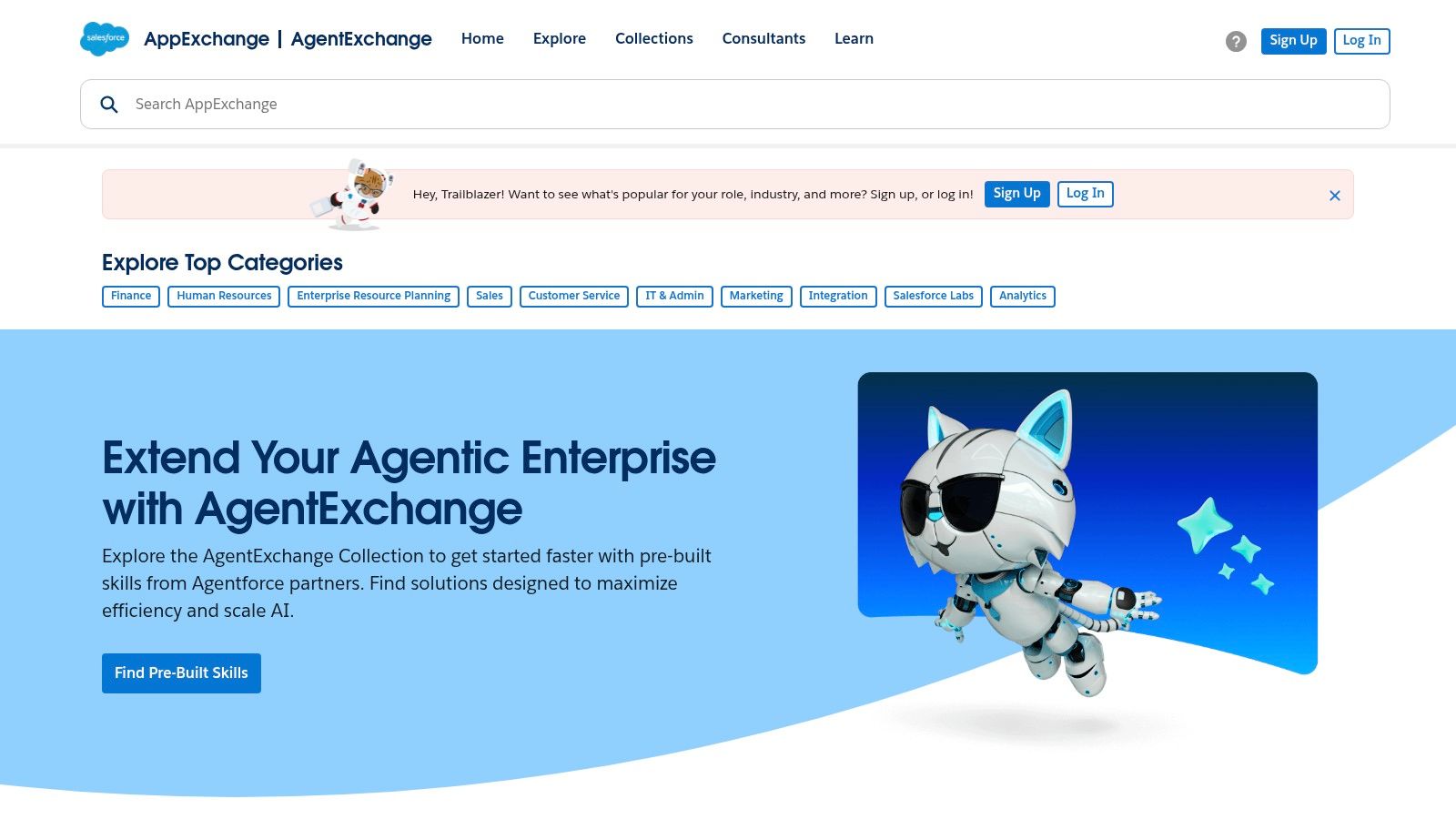
This makes it an incredibly powerful resource for finding the best software for lead generation, from data enrichment and lead routing to advanced analytics. Because the apps are pre-vetted, you can trust their security and reliability.
Key Features & How to Use It
The AppExchange is organized into practical categories and curated guides that help you find solutions for specific business problems. Many listings offer free trials and transparent pricing, allowing you to test functionality before committing.
The AppExchange’s main advantage is its native integration. The apps don't just connect to Salesforce; they live inside it, ensuring data consistency and a unified user experience.
Pros & Cons:
- Pro: The entire ecosystem is enterprise-ready and vetted for security and compatibility with Salesforce.
- Pro: The clear installation process and governance make it easy for admins to manage new software.
- Con: It delivers the best value only if you are already a dedicated Salesforce user.
- Con: Pricing for many apps is quote-based or per-user, which can become costly at scale.
Website: https://appexchange.salesforce.com
5. HubSpot (Marketing Hub)
Best for: An all-in-one CRM and marketing platform to capture and nurture inbound leads.
HubSpot is an industry standard for a reason. It combines a powerful (and free) CRM with a suite of marketing tools designed for inbound lead generation. Instead of stitching together separate apps for forms, landing pages, and email, HubSpot offers a unified platform where every lead interaction is tracked in one place.
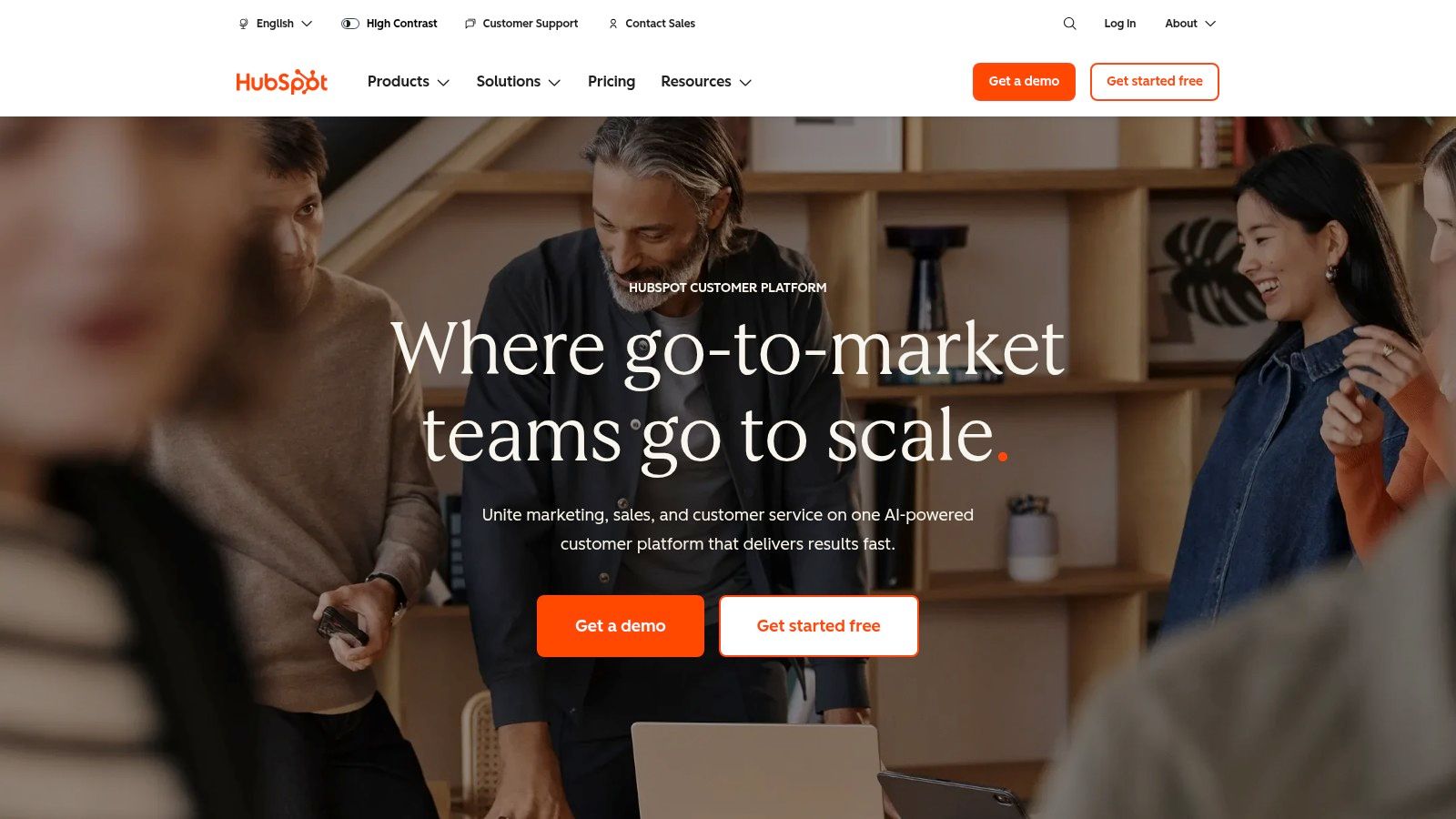
This integrated approach is ideal if your strategy revolves around content marketing. You can build landing pages, create pop-up forms, deploy chatbots, and sync leads from ad platforms, all while the data flows seamlessly into your central contact database.
Key Features & How to Use It
Start by using HubSpot's free tools to create lead capture forms and pop-ups on your website. Embed them on your blog posts or landing pages to convert traffic into contacts. As leads come in, you can use the built-in lead scoring to automatically prioritize the most engaged prospects for your sales team.
HubSpot’s true power is its ecosystem. It centralizes lead data from multiple channels, giving you a complete view of a contact's journey.
Pros & Cons:
- Pro: The free CRM and marketing tools provide immense value for startups and small businesses.
- Pro: Its vast integration library allows it to connect with almost any other tool in your stack.
- Con: The platform gets expensive quickly as your contact list grows or you need more advanced automation.
- Con: Some plans may require paid onboarding, which can be a significant upfront cost for smaller teams.
Website: https://www.hubspot.com
6. Apollo.io
Best for: Building B2B prospect lists and running multi-channel outbound campaigns.
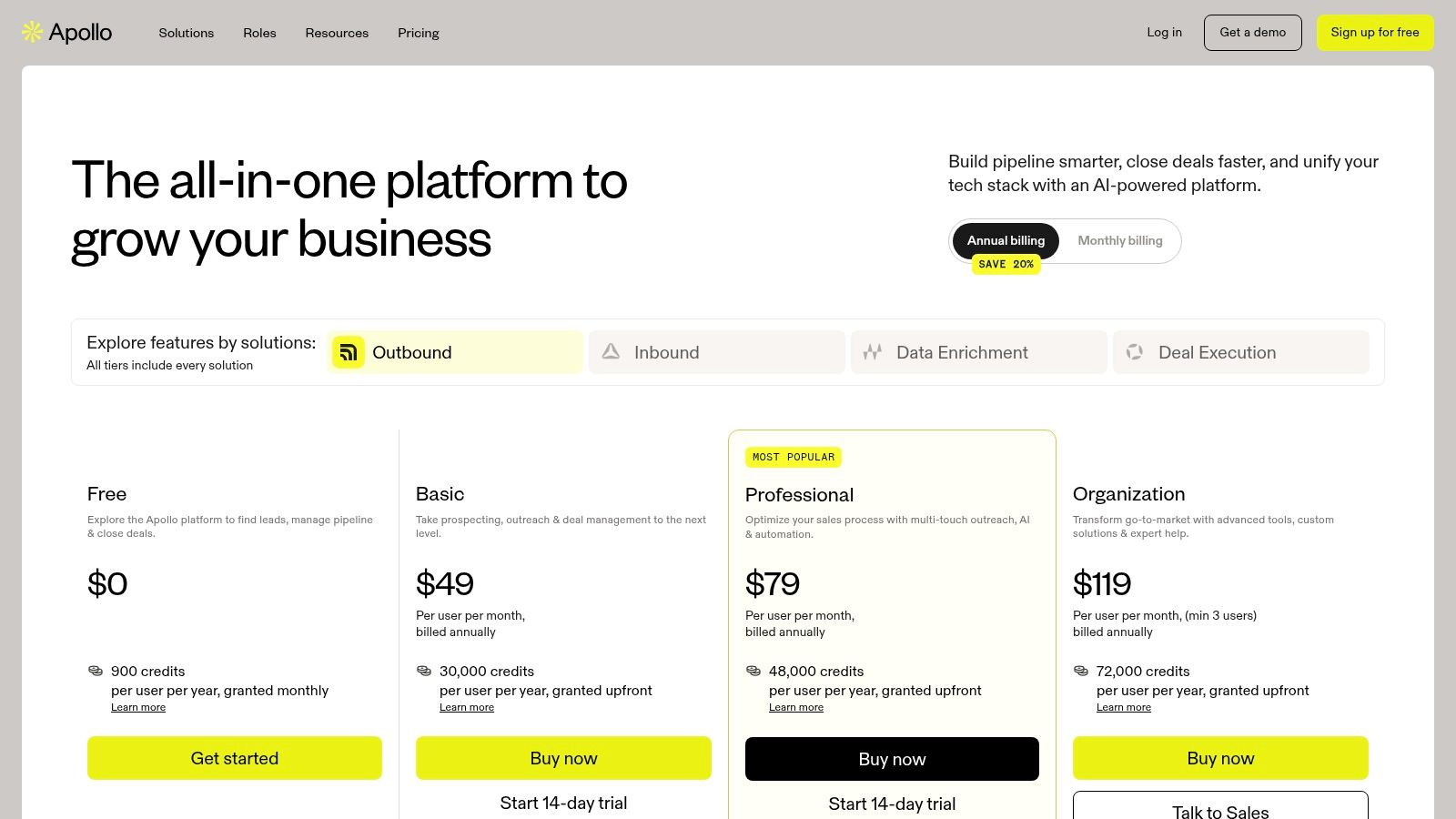
Apollo.io is a powerful, all-in-one sales intelligence and engagement platform. It combines a massive B2B contact database with tools to execute email and phone outreach, making it a go-to for sales teams looking to build and engage lead lists without juggling multiple subscriptions.
Its strength lies in consolidating data and action. You can find ideal prospects using detailed filters (like company size, technology used, and job titles), enrich that data, and immediately add them to automated email sequences. This unified workflow is perfect if your strategy is heavily focused on cold email and calls.
Key Features & How to Use It
The core workflow is simple: use the search function to build a list of target companies and contacts, then use the built-in Sequences feature to automate email follow-ups. You can also integrate it with your CRM to sync activities and ensure data hygiene. It’s an efficient system for managing your entire outbound process.
Apollo’s superpower is its generous free tier, which provides enough credits to let you fully test the database and outreach tools before committing.
Pros & Cons:
- Pro: Combines a high-quality B2B database with engagement tools, reducing the need for separate software.
- Pro: Transparent, self-serve pricing with a free plan makes it accessible for startups.
- Con: The credit-based system requires careful monitoring to avoid running out.
- Con: While it has a dialer, its social media outreach is limited, requiring tools like DMpro for channels like Twitter.
Website: https://www.apollo.io/pricing
7. ZoomInfo
Best for: Enterprise B2B teams needing premium, accurate contact data and buying intent signals.
ZoomInfo is a powerhouse in B2B data, offering one of the most comprehensive and updated databases of company and contact information available. It's the go-to solution for sales and marketing teams that require high-quality, verified data to fuel their outreach campaigns.
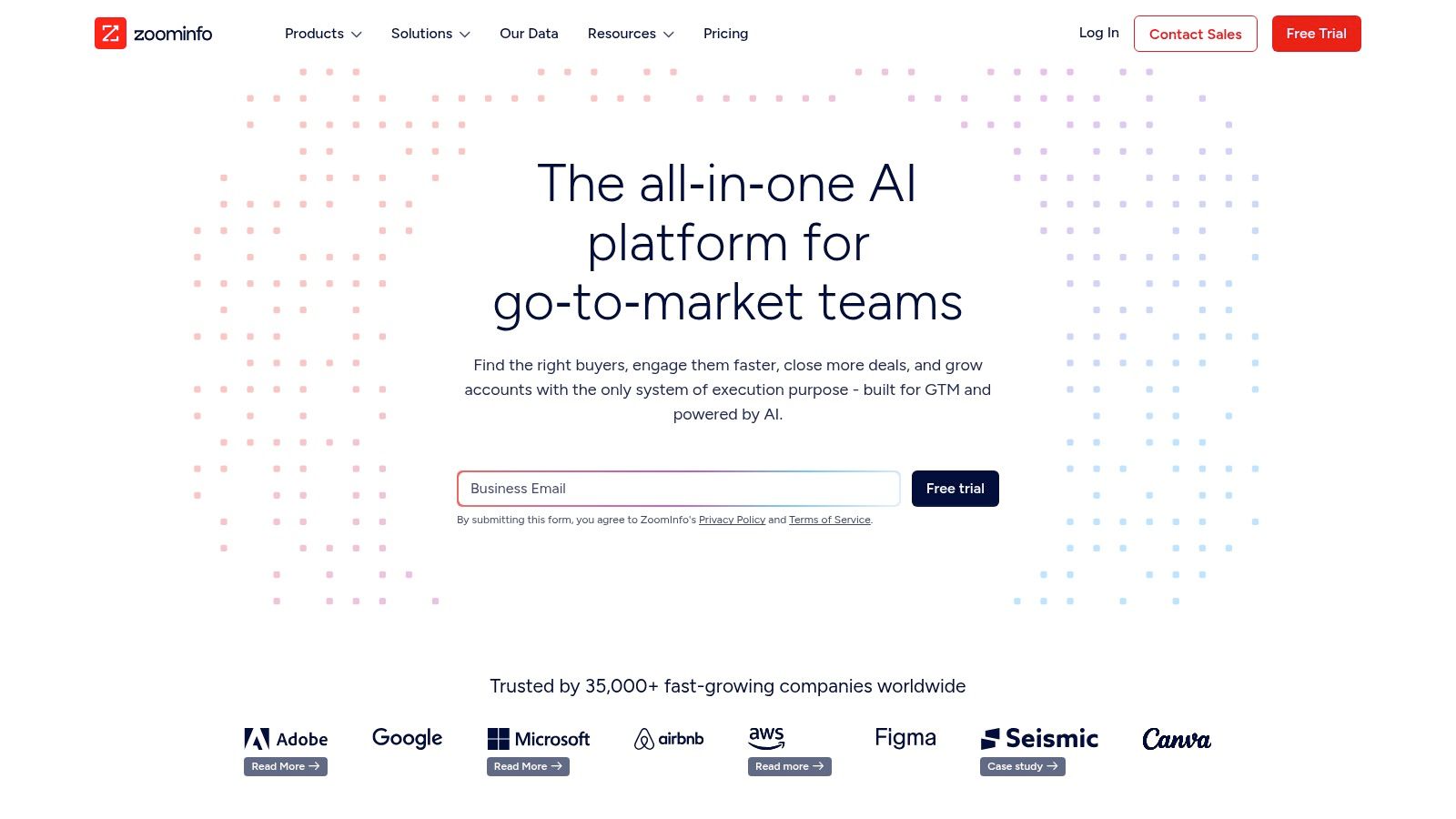
More than just a contact list, ZoomInfo provides advanced features like buyer intent data, which flags companies actively researching solutions like yours. It also offers website visitor tracking to identify anonymous traffic. This combination makes it a formidable tool for organizations ready to invest in top-tier data.
Key Features & How to Use It
The platform’s real strength is in its deep integrations, especially with Salesforce. Use its advanced search filters to build highly targeted lists based on industry, company size, revenue, technology used, and even specific job responsibilities. This ensures your outreach is hyper-relevant.
ZoomInfo's superpower is the accuracy of its direct-dial phone numbers and verified emails, which significantly increases connect rates for sales teams.
Pros & Cons:
- Pro: Extremely high data accuracy and coverage.
- Pro: Enterprise-level features like compliance tools, governance, and dedicated support.
- Con: Pricing is quote-based and requires annual contracts, making it a significant investment.
- Con: The cost can escalate quickly with add-on features and credit overages.
Website: https://www.zoominfo.com
8. LinkedIn Sales Navigator
Best for: B2B sales teams who need to find and qualify high-value leads on LinkedIn.
LinkedIn Sales Navigator is a premium tool that supercharges the platform’s core functionality for serious B2B lead generation. It unlocks advanced search filters, provides real-time alerts on lead and account activity, and gives you direct access to decision-makers through InMail credits.
Where standard LinkedIn is social, Sales Navigator is strategic. It’s built for account-based marketing (ABM) and targeted outreach, allowing you to create and monitor lists of key accounts and prospects. This precision makes it an indispensable tool for anyone whose ideal customer is on LinkedIn.
Key Features & How to Use It
The most powerful feature is the Advanced Lead and Account Search. Use it to filter LinkedIn’s massive user base by granular criteria like company size, seniority level, and recent job changes. Save these searches to receive alerts when new prospects match your criteria, creating a steady, automated flow of qualified leads.
Sales Navigator’s true value comes from its buyer intent signals, such as tracking when a prospect views your profile or changes jobs. This gives you the perfect context to initiate a warm conversation.
Pros & Cons:
- Pro: Unrivaled access to the most comprehensive professional database for precise B2B targeting.
- Pro: Excellent for ABM research and identifying key stakeholders.
- Con: Data is intentionally difficult to export; it’s designed to keep you within the LinkedIn ecosystem.
- Con: The higher-tier plans with CRM integration can be costly.
Website: https://www.linkedin.com/sales
9. Lusha
Best for: Sales teams and SMBs needing fast, on-demand B2B contact data.
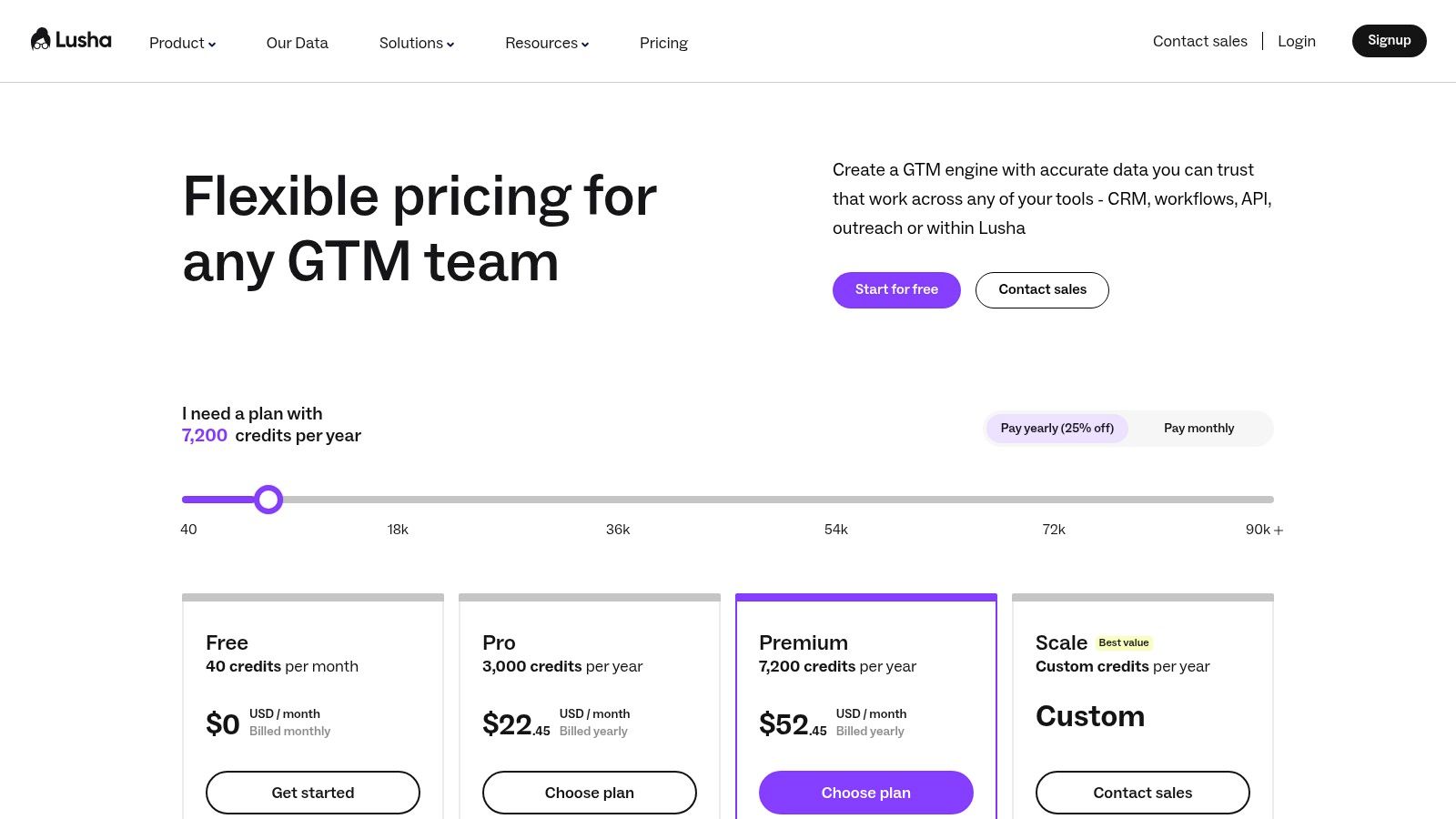
Lusha is a go-to platform for quickly finding accurate B2B contact information. It operates primarily through a web app and a handy Chrome extension, allowing you to instantly reveal email addresses and direct phone numbers for prospects on LinkedIn or company websites. Its simplicity and credit-based model make it an accessible entry point into data enrichment.
This tool is one of the best for lead generation when your priority is speed and ease of use. Instead of complex database searches, you can enrich contacts as you browse, making it perfect for agile sales teams that need to act fast.
Key Features & How to Use It
The Chrome extension is Lusha’s core strength. While on a LinkedIn profile or a corporate site, a single click can pull up verified contact details. The platform uses a credit-based system where you spend credits to reveal information. Higher-tier plans add CRM integrations, allowing you to export enriched contacts directly to your pipeline.
Lusha’s power lies in its low friction. You can go from identifying a prospect to having their direct dial in seconds, drastically shortening the time it takes to initiate outreach.
Pros & Cons:
- Pro: Extremely easy to deploy and use, with a very low learning curve.
- Pro: The credit system offers flexibility, with monthly and annual options.
- Con: Can become expensive at scale, as phone number lookups consume credits quickly.
- Con: Data coverage and accuracy can vary depending on the industry and geographic region.
Website: https://www.lusha.com/pricing
10. Hunter
Best for: Finding and verifying professional email addresses for targeted outreach campaigns.
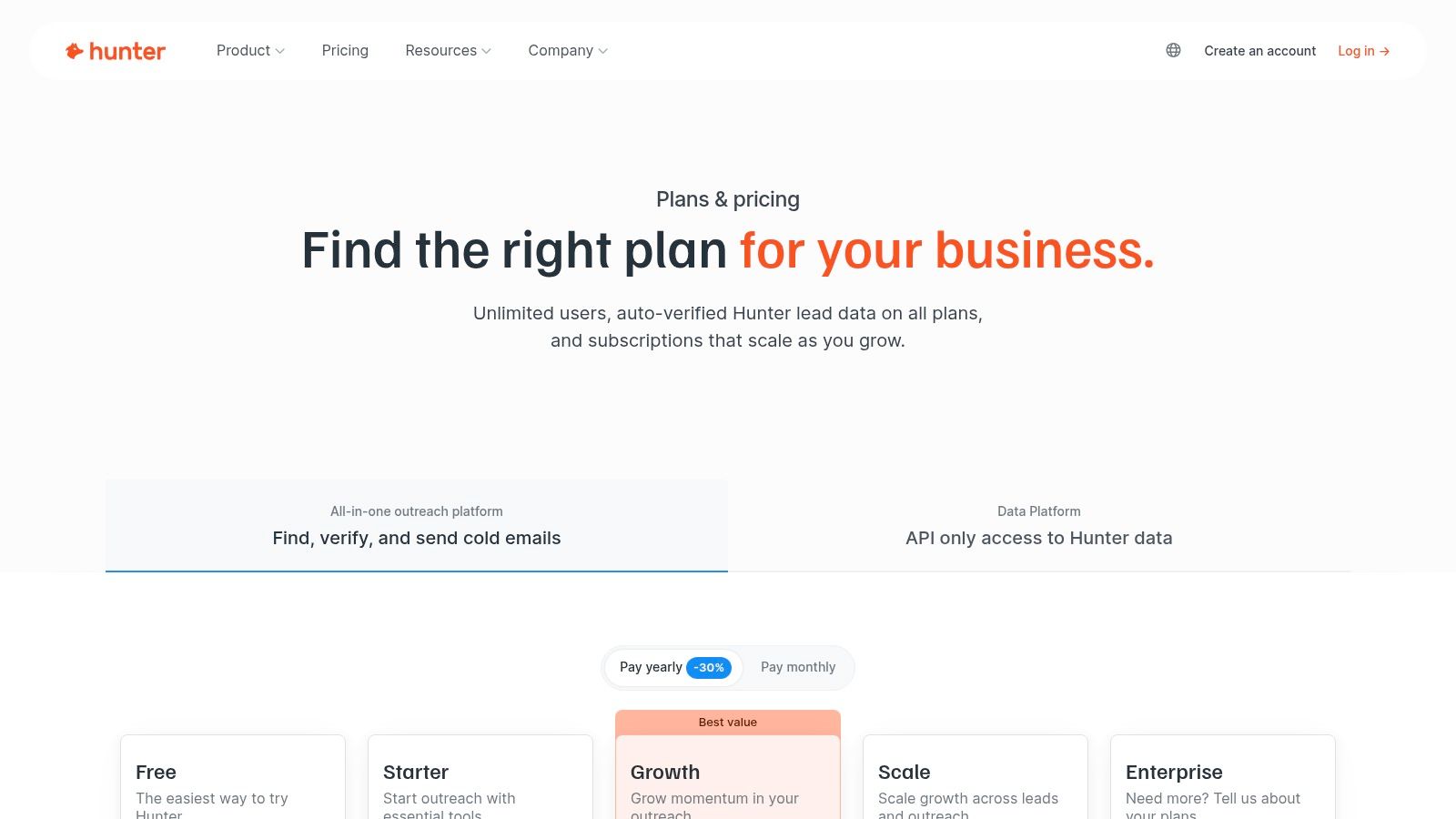
Hunter is a specialized tool focused on one crucial aspect of lead generation: finding and verifying email addresses. It’s an essential utility for sales and marketing teams building outbound lists. This focus makes it one of the best tools for lead generation when your primary channel is cold email.
It strips away the complexity of larger sales intelligence platforms, offering a clean, direct path to getting the contact data you need. Whether you're searching for a single email or enriching a list of hundreds, Hunter prioritizes accuracy to protect your sender's reputation.
Key Features & How to Use It
The core of Hunter is its Domain Search, which reveals all public email addresses associated with a website. For more targeted efforts, you can use the Email Finder with a prospect's name and company. Its built-in verification tool assigns a confidence score, helping you avoid bounces. For those interested in the technical side, exploring methods for programmatic email discovery from LinkedIn can be highly informative.
Hunter's simplicity is its strength. It excels at finding and verifying emails, a critical first step for any successful outreach.
Pros & Cons:
- Pro: Highly affordable and transparent credit-based pricing makes it accessible for startups.
- Pro: The built-in email verification is a major asset for ensuring high deliverability.
- Con: It is laser-focused on email, lacking broader data points like phone numbers.
- Con: Data enrichment capabilities are lighter compared to competitors like ZoomInfo.
Website: https://hunter.io/pricing
11. Snov.io
Best for: Sales teams and agencies needing an all-in-one outbound prospecting platform.
Snov.io combines several essential lead generation tools into one ecosystem, making it a strong choice for teams that want to manage prospecting and multichannel campaigns from a single dashboard. It offers an email finder, a verifier, and a drip campaign builder, effectively covering the entire top-of-funnel outbound process.
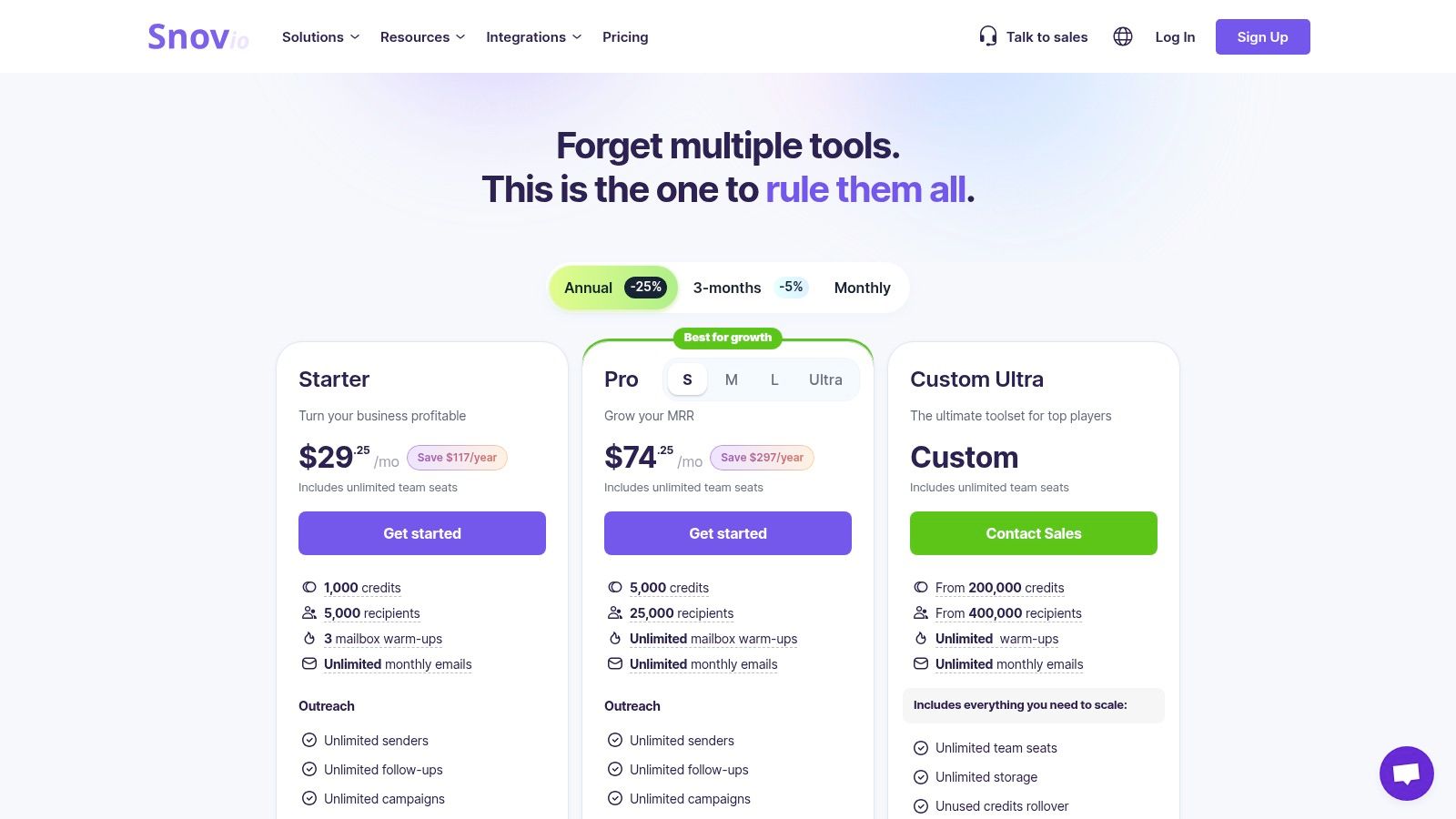
Its platform is built around a credit and recipient model, which is ideal for high-volume outreach. Agencies and growth teams benefit from its team management features and cost-effective scaling, allowing them to manage multiple client campaigns without needing several disparate tools.
Key Features & How to Use It
The core workflow involves using the Email Finder to locate prospects and the Email Verifier to clean your lists. From there, you can build multichannel sequences that combine email automation with LinkedIn actions (available as a separate add-on). This allows you to create more sophisticated touchpoints with your leads.
Snov.io’s strength is its unified toolkit. Moving from finding an email to adding it to a verified, multi-step sequence happens in just a few clicks.
Pros & Cons:
- Pro: High sending limits and unlimited email warmups on higher-tier plans are excellent for maintaining domain reputation.
- Pro: The platform is agency-friendly, with features designed for team collaboration.
- Con: LinkedIn automation is billed separately per seat, which can increase costs.
- Con: Credit and recipient limits require careful planning to avoid running out mid-campaign.
Website: https://snov.io/pricing
12. Instantly.ai
Best for: Scaling cold email outreach with unlimited accounts and flat-fee pricing.
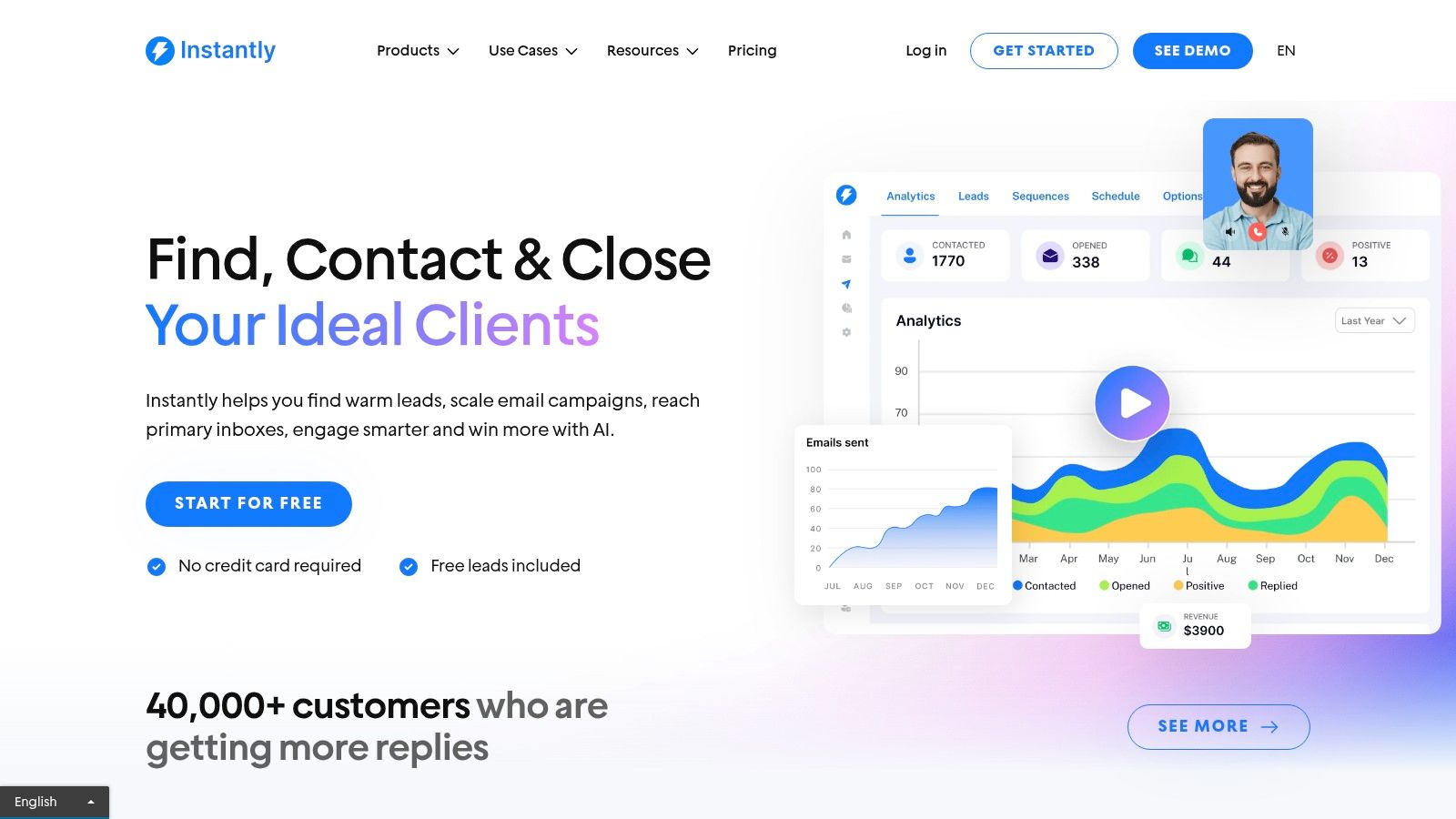
Instantly.ai is an email outreach platform built for volume and deliverability. Its standout feature is allowing unlimited email accounts and automated warmups with its plans, which is a massive advantage for agencies or sales teams looking to scale outbound campaigns without paying per seat. This model lets you maximize sending capacity while keeping costs fixed.
The platform is designed to manage the entire cold email process, from warming up new inboxes to launching multi-step campaigns. By centralizing email management and focusing heavily on technical deliverability, it provides a powerful engine for anyone serious about using cold email as a primary channel for lead generation and scaling their SaaS distribution.
Key Features & How to Use It
To get started, connect as many email accounts as you need and activate the automatic warmup feature. This gradually builds each inbox's sending reputation, which is critical for avoiding spam folders. From there, you can use its optional SuperSearch database to find B2B leads or import your own list to launch campaigns.
Instantly's core strength is its sending infrastructure. Unlimited accounts plus robust warmup tools mean you can build a massive, decentralized outreach machine without the usual technical headaches.
Pros & Cons:
- Pro: The flat-fee pricing for unlimited email accounts is highly cost-effective for agencies and large teams.
- Pro: Modular add-ons for data and CRM help consolidate your tech stack.
- Con: Data quality from its lead database can be inconsistent and requires purchasing credits.
- Con: You are still responsible for following best practices for daily sending limits per inbox.
Website: https://instantly.ai
Top 12 Lead Generation Software Comparison
| Product | Core Focus | Key Features | Target Audience | Typical Pricing | Unique Selling Point / Reported Results |
|---|---|---|---|---|---|
| DMpro | Automated, personalized DMs on X (Twitter) | AI lead discovery, visual workflow builder, multi-account + rotation, safety controls, analytics | Growth marketers, founders, agencies, SDR teams | Starter → Pro → Elite/Enterprise; monthly/annual/lifetime; free trial (100 DMs) | AI-driven personalization at scale; 500+ targeted leads/day (scanning), reported 25–40% response rates |
| G2 | B2B software review & comparison marketplace | Millions of verified reviews, category filters, grid & compare views | Buyers researching lead-gen tools, procurement teams | Free to browse; vendors can pay for sponsored placement | High review velocity and broad benchmarking for tool selection |
| Capterra | Software directory & buyers’ guides | Curated lists, in‑depth filters (pricing, deployment), buyers’ guides | Buyers discovering niche tools and cost options | Free browsing; sponsored listings | Good for discovering niche vendors and cost/selection guidance |
| Salesforce AppExchange | Apps integrated with Salesforce CRM | Deep Salesforce integrations, trials, install governance, app guides | Salesforce users, enterprise sales orgs | Many listings quote-based or per-user; enterprise pricing | Enterprise‑vetted apps with tight CRM integration and governance |
| HubSpot (Marketing Hub) | Unified CRM + inbound marketing platform | Free CRM, forms, landing pages, lead scoring, automation | SMBs to enterprise inbound teams and marketing-led orgs | Free → Pro → Enterprise; higher tiers for advanced automation | Integrated CRM + marketing stack with strong education/ecosystem |
| Apollo.io | Prospecting database + engagement tools | Large contact database, sequences, dialer, CRM integrations | Outbound teams, SDRs, sales ops | Self-serve pricing, credit model for exports | Combines data and outreach in one interface |
| ZoomInfo | Premium B2B data, intent & visitor ID | Extensive contact data, intent signals, visitor tracking, enterprise admin | Mid-market & enterprise revenue teams | Quote-based, annual contracts; add-ons increase cost | High-quality, frequently updated data and enterprise support |
| LinkedIn Sales Navigator | Professional graph search & ABM tooling | Advanced filters, saved searches, InMail, Team features, CRM sync | B2B sellers, account‑based marketers, recruiters | Subscription tiers; enterprise/Advanced often quote-based | Direct access to LinkedIn professional graph for ABM & sourcing |
| Lusha | Quick contact enrichment & lookup | Chrome extension, credit-based email/phone, CRM sync | SMB sales teams needing fast lookups | Credit-based monthly/annual plans, rollover options | Fast, low‑friction lookup from LinkedIn and websites |
| Hunter | Email finder + verifier with outreach | Domain/name search, bulk finder, email verification, simple sequences | Small to mid outbound teams focused on email deliverability | Affordable credit-based plans | Strong email verification to improve deliverability |
| Snov.io | Prospecting + multichannel sequences | Finder & verifier, email + LinkedIn sequences (add‑on), warming, high quotas | Agencies, growth teams needing multichannel scale | Credit model; Pro/Agency plans with higher limits | High sending limits and agency‑friendly team features |
| Instantly.ai | Email outreach focused on deliverability | Unlimited email accounts, automated warmup, high send caps, SuperSearch DB | Agencies and teams wanting flat‑fee sending | Flat‑fee tiers, modular add‑ons (data, CRM) | Flat‑fee unlimited accounts + built‑in warmup to protect deliverability |
Your Next Step: From Reading to Doing
We've covered a wide range of tools, from specialized outreach automation on Twitter like DMpro to comprehensive inbound platforms like HubSpot. The sheer volume of options can feel overwhelming, but the goal isn't to use them all. It's to build a focused, effective system.
The key takeaway is this: the best software for lead generation isn't a one-size-fits-all solution. It's the tool that aligns with your specific growth strategy. Chasing the newest, shiniest object is a recipe for distraction. Instead, pinpoint your highest-leverage channel and master it first.
For countless SaaS founders today, that primary channel is Twitter. It’s a real-time ecosystem where your ideal customers are actively sharing their problems and interests. This makes it an unparalleled platform for targeted, scalable outreach that builds real connections.
How to Choose Your Starting Stack
Making the right choice comes down to answering a few honest questions. Don't just look at feature lists; consider how a tool will integrate into your daily workflow.
Here’s a simple framework to guide your decision:
- Define Your Primary Strategy: Are you focused on outbound or inbound? If outbound, is it email-centric (like with Instantly.ai) or social-focused? For scaling SaaS distribution on platforms like Twitter, a direct messaging tool is non-negotiable.
- Assess Your Budget and Team Size: Are you a solo founder who needs maximum automation for a low cost, or a sales leader with a budget for an enterprise platform like ZoomInfo?
- Identify Your Biggest Bottleneck: What's holding you back? Is it finding accurate contact data? Is it the time spent manually sending DMs every day? Solve your most painful problem first.
- Evaluate Integration Needs: Does your chosen tool need to connect with your existing CRM? If you live inside HubSpot, ensuring your tools play nice with it is critical.
- Start Small and Validate: Before committing to a complex system, prove your model on a smaller scale. If you believe your customers are on Twitter, don't buy a massive data platform. Start by automating your outreach there with a specialized tool like DMpro.
Putting It All Together: An Action Plan
Information without action is just noise. Your next step isn't to research ten more tools; it's to commit to one and execute.
- For the Social-First Founder: If your audience is on Twitter, your path is clear. Start with a DM automation tool like DMpro to build a consistent, scalable pipeline directly from the source.
- For the Email-Centric Sales Team: If cold email is your game, combine a data enrichment tool like Apollo.io with a sending platform like Instantly.ai to build a high-volume outreach machine.
- For the Content-Driven Marketer: If you're generating leads through inbound content, a platform like HubSpot will be your command center for capturing and nurturing those leads.
The most successful founders don't have a secret tool; they have a focused strategy and execute with relentless consistency. Pick your weapon, master it, and start building the pipeline your business needs to grow.
If you’re tired of manually sending DMs every day, try DMpro.ai — it automates outreach and replies while you sleep.
Ready to Automate Your Twitter Outreach?
Start sending personalized DMs at scale and grow your business on autopilot.
Get Started Free